


View Roasters By Service Period
This function allows you to view all the eligible children that are on your roaster for a selected service period. You can view their name, certificate, date of birth, and address. Example
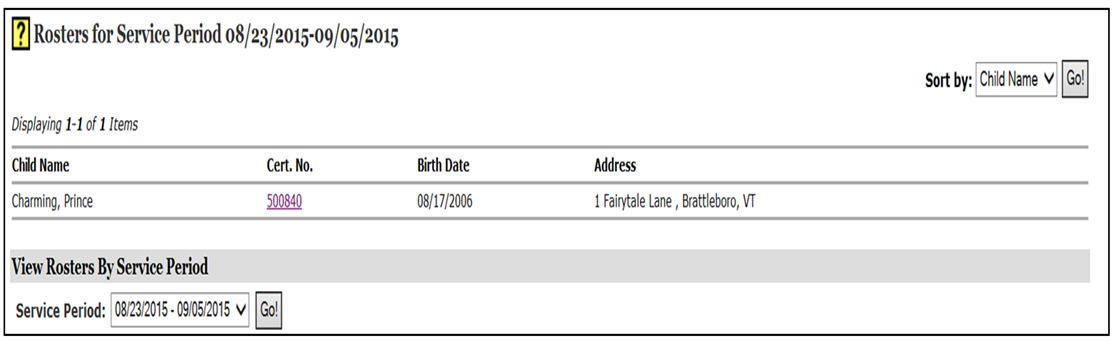
To view roasters by service period:
- Click the Attendance & Invoicing tab at the top of the page. Picture
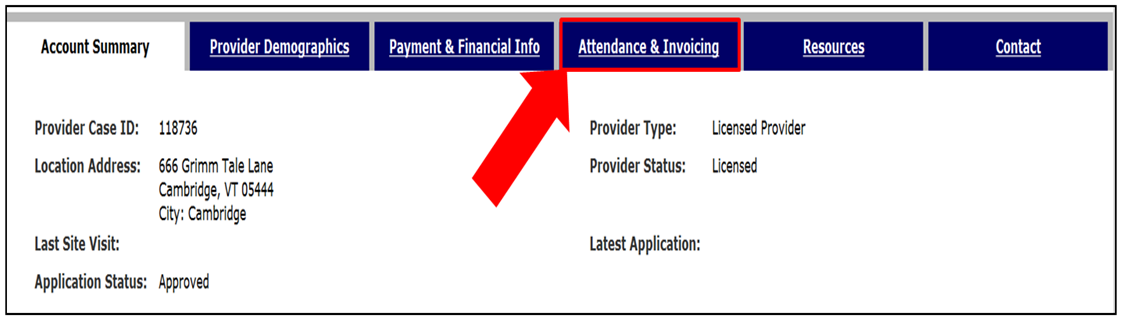
- At the bottom of the page under View Roasters By Service Period, select the drop down box. Choose the service period you wish to view, and then click Go! Picture

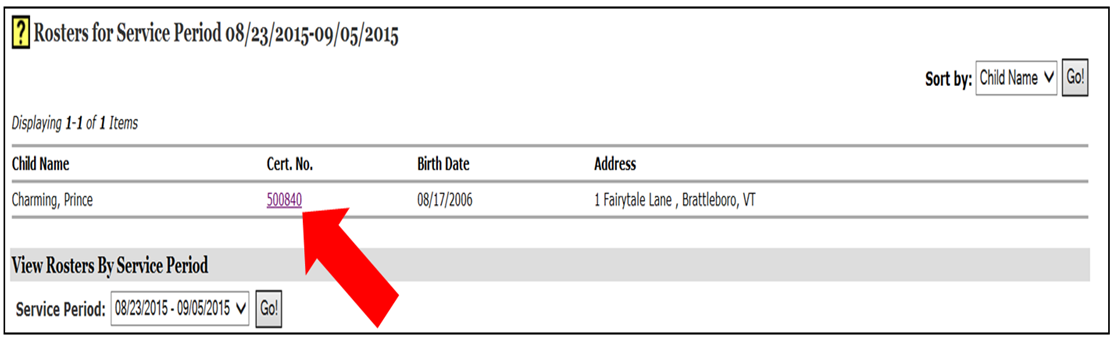
- All the eligible children who were/are on the roaster for the selected service period will appear. Click the underlined Cert. No. to view the Child Care Financial Assistance Program Certificate. Picture
- If a child is not on your roaster, and should be (or vice versa) contact the Eligibility Specialist.
If you have any questions, please contact the Financial Assistance Unit at 1-800-649-2642, option 5.
Highlight Search Results
Display results with all search words
Search results per page